Link Building KPIs: 6 to Report Monthly, and What 8 Guides Miss

We tallied the metrics eight link building measurement guides recommend. Most count links and authority. None counts the replies that produce them.
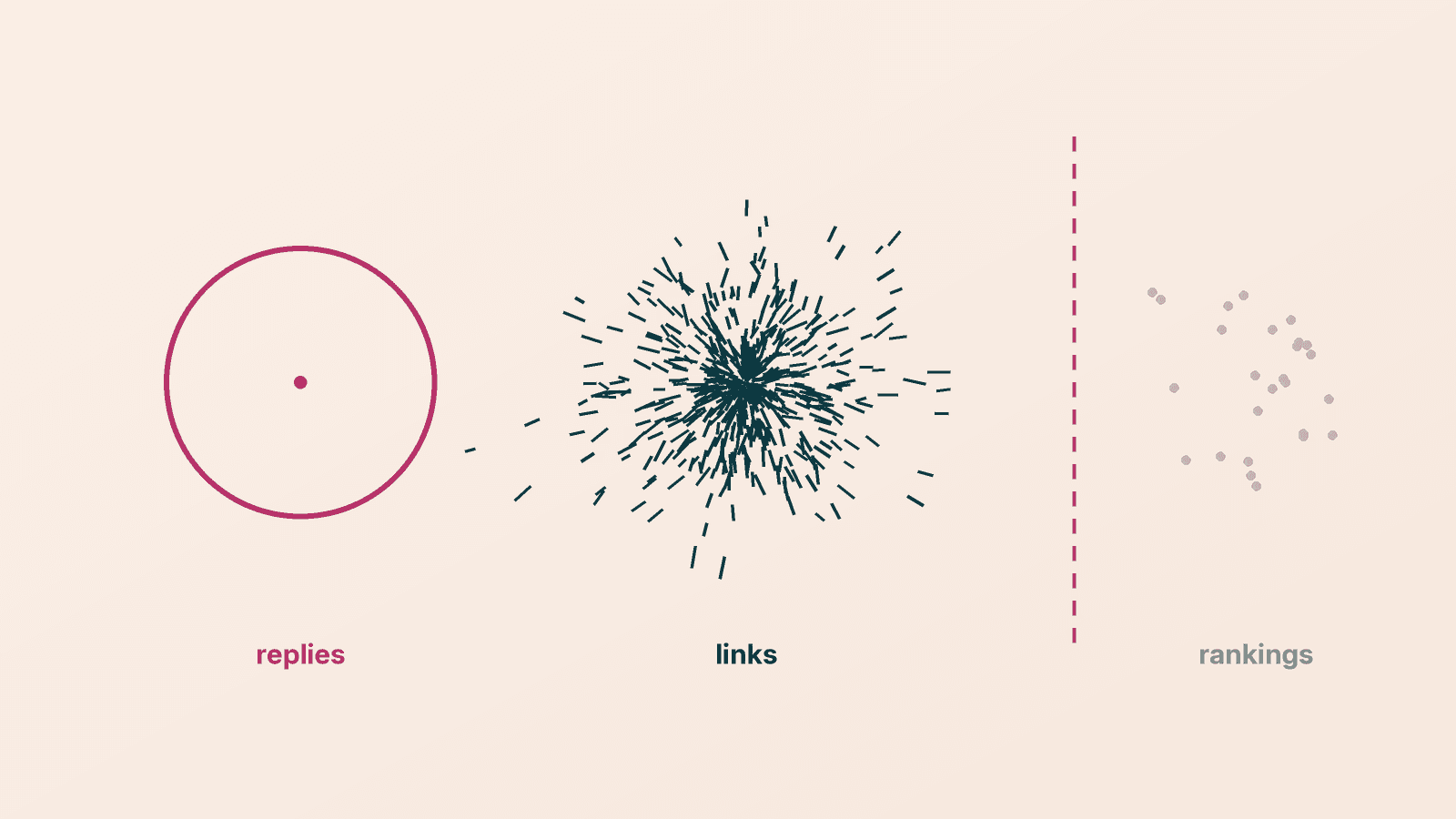
Link building KPIs should answer three questions: are prospects replying, are links landing on relevant pages, and are the pages you built links to moving in search. Most measurement guides answer only the second. We read eight guides on how to measure link building, tallied every metric each one recommends, and found that none of them tracks outreach replies. Below is a one-page monthly report with six KPIs, each with a formula and a free source, followed by what the guides track and what they skip.
A one-page link building KPI report#
Six numbers, one row each. Two measure the outreach, two measure the links, two measure the result. Report the first four every month and the last two against a baseline, because rankings move months after links land.
| KPI | Formula | Where to get it | Stage |
|---|---|---|---|
| Reply rate | replies ÷ emails delivered | your outreach tool or inbox | outreach |
| Link rate | links landed ÷ prospects contacted | your outreach log | outreach |
| Relevant referring domains | new linking domains whose linking page covers your topic | Search Console Links report, checked by hand | links |
| 90-day survival | links still live ÷ links landed 90 days ago | recheck each URL in your log | links |
| Target page clicks and position | clicks and average position for the pages you built links to, vs the month before outreach started | Search Console Performance, filtered by page | outcome |
| Cost per relevant link | total spend (tools, time, fees) ÷ relevant links landed | your own books | outcome |
A few rules make the numbers honest:
- Count domains, not links. Ten links from one site are one vote. Our how many backlinks do I need guide explains why referring domains are the unit that matters.
- Relevance is a yes or no you decide by reading the page. An authority score cannot tell you whether a linking page is about your topic.
- Keep an outreach log. One row per prospect: page, date contacted, replied, link URL, date live. Every KPI above except clicks comes from that log.
- Write the baseline down before outreach starts. Without it, the outcome rows have nothing to compare to.
What eight link building measurement guides track#
We read eight measurement guides in October 2026: Semrush, Respona, two from Search Engine Journal (by Alexandra Tachalova and Paddy Moogan), Editorial.Link, Page One Power, Siege Media and BuzzStream. For each one we marked which of 17 metrics it recommends tracking.
What the tally shows:
- Authority scores and referral traffic lead, at 6 of 8 each. Referring domains, keyword rankings and conversions follow at 5 of 8.
- Nobody measures the outreach itself. Reply rate, links won per prospect contacted, and whether the linking page is indexed: 0 of 8 each.
- Link survival is rare. Only Respona and Editorial.Link track lost links, so the other six never tell you to check whether a link you counted last month is still there.
- Cost per link appears twice (Respona and Siege Media), and Respona's $30 per link figure is a worked example, not a benchmark.
- 6 of the 8 publishers sell something. Semrush, Respona and BuzzStream sell software; Editorial.Link, Page One Power and Siege Media sell link building or digital PR.
The gap matters because outreach is where a campaign is won or lost. If 200 emails produce four replies, the problem is the targeting or the email, and no domain authority chart will show it. Our link building email templates post covers that half. The only large outreach dataset in this cluster, Backlinko's study of 12 million outreach emails, found 8.5% got a response. Treat that as a reference point across all outreach types, not a link building target.
Leading and lagging link building metrics#
Split the six KPIs by how fast they move. Reply rate and link rate move the week you send. Relevant referring domains and survival move the month links land. Clicks and position move last, and the guides that put a number on the delay agree that it is months, not weeks.
Three of the eight guides give a delay:
- Tachalova (SEJ): "it might take anywhere from 3 months up to 12 months from the moment links are built to see significant changes."
- Editorial.Link: "it takes at least 3 months for them to start working their magic."
- BuzzStream: links "can take about 6 months to impact a site," with "about 1-3 months to climb the rankings" for a page and "six to eight months to see the sitewide impact."
None of the three cites data for its range. They are practitioners' estimates, which is what you have to work with. The practical effect is the same: a monthly report that leads with rankings will show nothing for the first quarter and then credit the wrong month. Report the outreach and link rows monthly, and the outcome rows quarterly against the pre-outreach baseline.
Want the outreach rows filled in for you? GenLink's backlink agent sends from your own domain and logs every prospect, reply and landed link, so reply rate and link rate are counted, not guessed.
Can you attribute rankings to a single link?#
Mostly no, and the guides say so. Only 2 of 8 explain how to tie a result to a specific link, and both do it for referral traffic only: Page One Power with UTM tags, BuzzStream by reading the referral source in analytics, "so I can attribute traffic directly to this link." For rankings, Editorial.Link calls attribution "a nightmare," and Moogan writes that it is "increasingly difficult to isolate the ranking impact of particular links."
You can still make the outcome rows more trustworthy:
- Point each campaign at a short list of target pages. Links spread across the whole site cannot be connected to anything.
- Keep a comparison page. Pick a similar page you are not building links to and track it beside the targets. If both rise, the cause was probably not your links.
- Annotate dates. Log when each link went live and when Google announced updates, so a jump can be checked against both.
- Report ranges, not credit. "Target pages gained clicks while the comparison page was flat" is defensible. "This link was worth X" is not.
The free source none of the guides mention: Search Console's Links report#
Google Search Console has a Links report that lists your top linked pages, top linking sites and top linking text. It is free, it comes from Google, and 0 of the 8 guides mention it. Search Console appears in four of them, but only for clicks, positions or the disavow tool.
Know its limits before you report from it. Google's help page says:
- It is a sample. It "shows a sample of internal and external links," not every link.
- Tables stop at 1,000 rows, though the export goes up to 100,000.
- It can include removed links. Links found over time "may have since been removed."
- It does not flag nofollow. You have to check each page for that yourself (our dofollow vs nofollow post covers why it matters).
So use it to confirm Google has seen a link and for the relevant referring domains row, and use your outreach log for survival. A third-party crawler is still useful for prospecting and competitor work; our link building tools breakdown prices each job.
Link building metrics to demote#
Some popular metrics belong in the appendix, not the headline:
- Total backlinks. It rises with sitewide and duplicate links. Report domains instead.
- Authority score as a goal. Domain Rating, Domain Authority and Authority Score are third-party estimates, not Google metrics; see our domain authority explainer. Use them to filter prospects, not to grade a month.
- Toxicity scores. Semrush's 0 to 100 scale is its own tool's threshold. Our toxic backlinks post covers when disavowing is actually needed.
- Raw link counts per month. Pace matters less than relevance; link velocity explains why.
How to set up link building KPI tracking in five steps#
- Write the baseline. Export clicks and average position for each target page from Search Console for the month before outreach starts, plus one comparison page.
- Start the outreach log. One row per prospect with page URL, date contacted, reply (yes or no), link URL and date live.
- Count monthly. Reply rate and link rate from the log; relevant referring domains from the Links report, each one read and marked relevant or not.
- Recheck at 90 days. Open every link landed three months ago and record whether it is still live and still followed.
- Review outcomes quarterly. Compare target pages to the baseline and the comparison page, and divide total spend by relevant links for cost per link. Our link building cost post has published prices to compare against.
If the numbers show links but no movement after two quarters, check the target pages themselves with a backlink audit. For the full process behind these numbers, start at our link building guide.
Frequently asked questions#
What are the most important link building KPIs? Reply rate, link rate, relevant referring domains, 90-day link survival, clicks and position for the target pages, and cost per relevant link. The first four tell you whether the work is happening; the last two tell you whether it is paying off.
How do you measure link building success? Compare the pages you built links to against a baseline taken before outreach started, and against a similar page that got no links. Count relevant referring domains, not total links, and check that links are still live after 90 days.
How long does link building take to show results? The three guides we read that give a number put it at 3 to 12 months, at least 3 months, and about 6 months. None cites data, so treat these as estimates and judge rankings quarterly, not monthly.
What is a good outreach reply rate for link building? None of the eight guides gives one. Backlinko's study of 12 million outreach emails found 8.5% got a response across all outreach types. Track your own rate by template and by prospect list, and compare month to month.
Is domain authority a good link building KPI? It is a useful filter for choosing prospects, but a weak goal. It is a third-party estimate, not a Google metric, and it says nothing about whether a linking page is relevant to yours.
Can I track backlinks for free? Yes. Google Search Console's Links report shows top linking sites, linked pages and linking text for free. It is a sample, capped at 1,000 rows per table, and does not flag nofollow, so pair it with your own outreach log.
Measure the half the guides skip. GenLink's backlink agent finds relevant pages, writes each email, follows up, and keeps the log your report is built from. The free plan includes one agent.